Feature department
What it does
Menu bar HQ
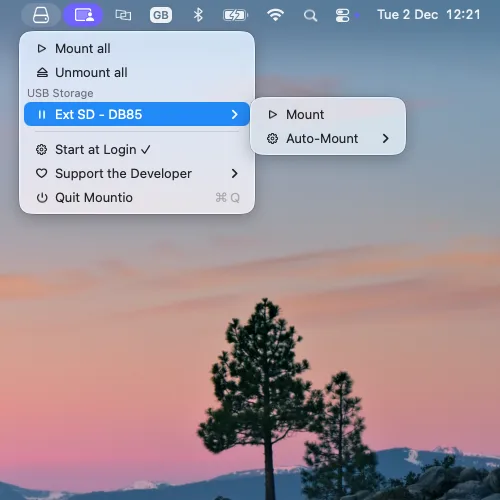
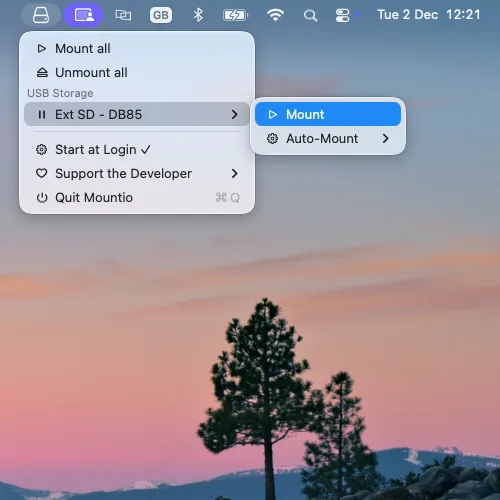
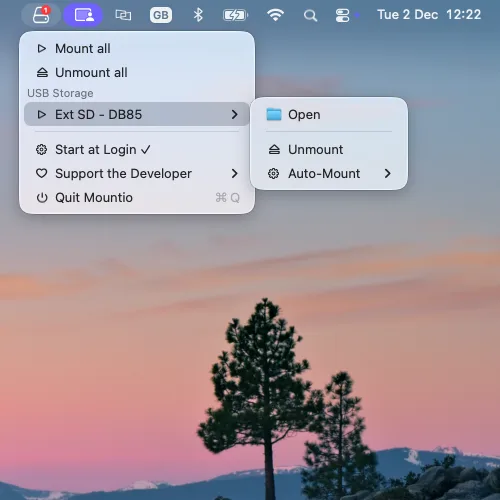
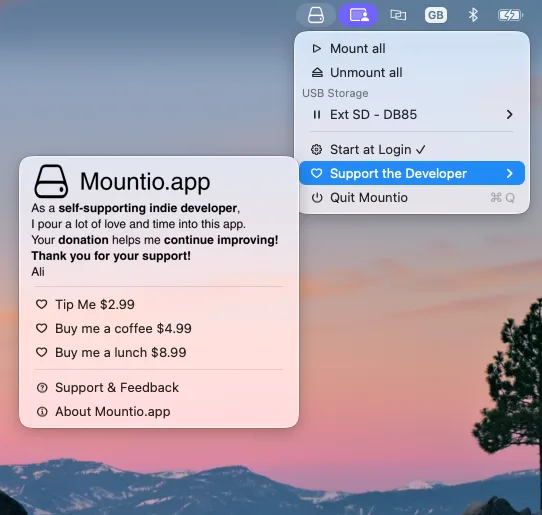
Every attached USB device, live in your menu bar with real-time status and a badge counting mounted drives. Refreshes every 2 seconds.
Auto-mount
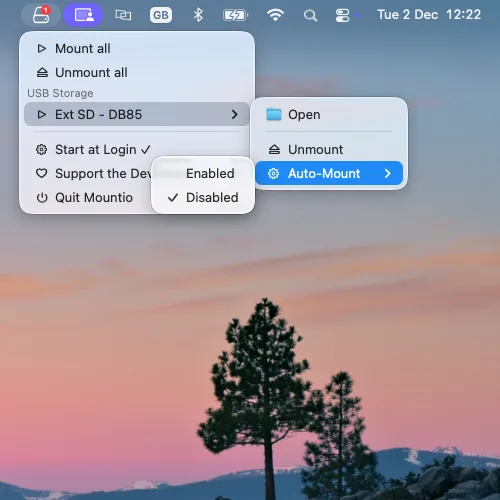
Per-device auto-mount preferences. Want your dock-connected drive to stay unmounted until you say so? Done.
Safe unmount
One click to safely eject — no filesystem corruption, no scary dialogs. Your data walks away with dignity.
Bulk actions
Mount all. Unmount all. Two clicks, every drive handled. For people with drawers full of USB sticks — you know who you are.
Smart status
Clear indicators show what's mounted versus merely attached — no more guessing games with Disk Utility.
Free. Actually.
Completely free to download and use. Donations are optional and fund the developer's coffee-based lifestyle.
Numbers that matter
Vital stats
0 MB
Installer size
0s
Menu refresh rate
$0
Price, forever
0%
Fewer scary eject dialogs
Seeing is believing
Screenshots
System requirements
What's new in 1.0.5
Ready when you are
Verify your download — SHA256:
f903a89e3a311baa7808b8ac9357867863a7ac9d64a0498d8b652ea0bd7359eb